
Featured guide
Updated: 2026-11-02
How to Count Words in PowerPoint (Slides and Notes) | TextToools
PowerPoint's Words property counts text on slides and notes pages together. Learn where to find it and how to check notes on their own.
Read guideTextToools
Practical, clear guides to counting, cleaning, and working with text.
Showing 11–20 of 34 guides
Featured guide
Updated: 2026-11-02
PowerPoint's Words property counts text on slides and notes pages together. Learn where to find it and how to check notes on their own.
Read guide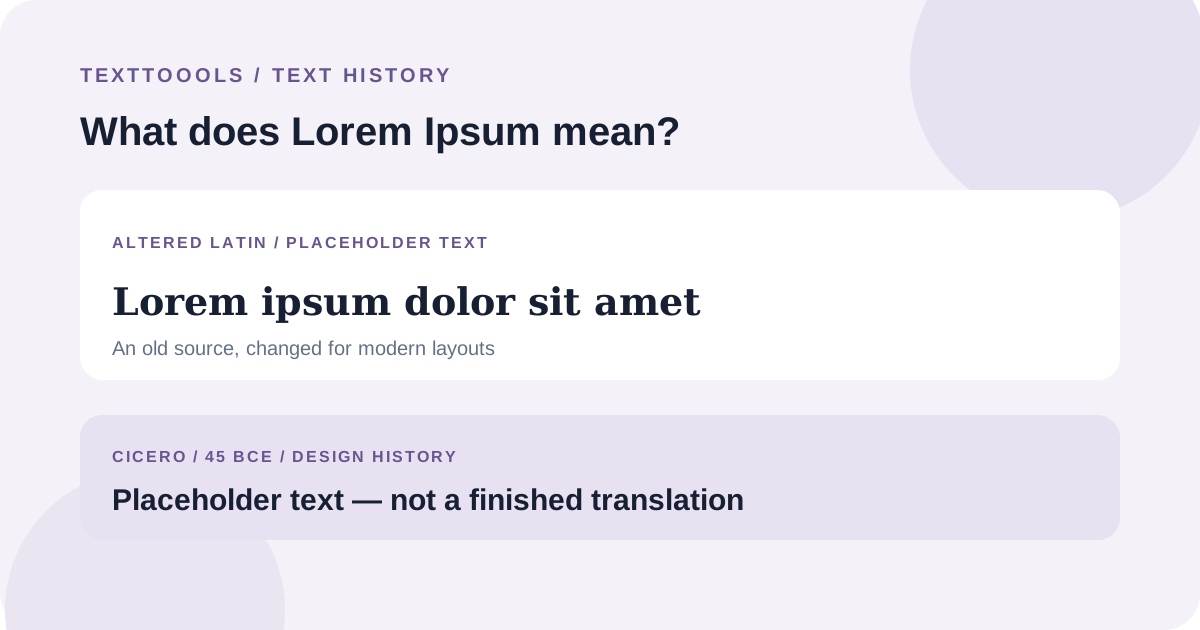
Published: 2026-11-01
Lorem Ipsum is altered Latin used as dummy text. Its familiar passage traces to Cicero, but the standard text is not a coherent sentence to translate.
Read guide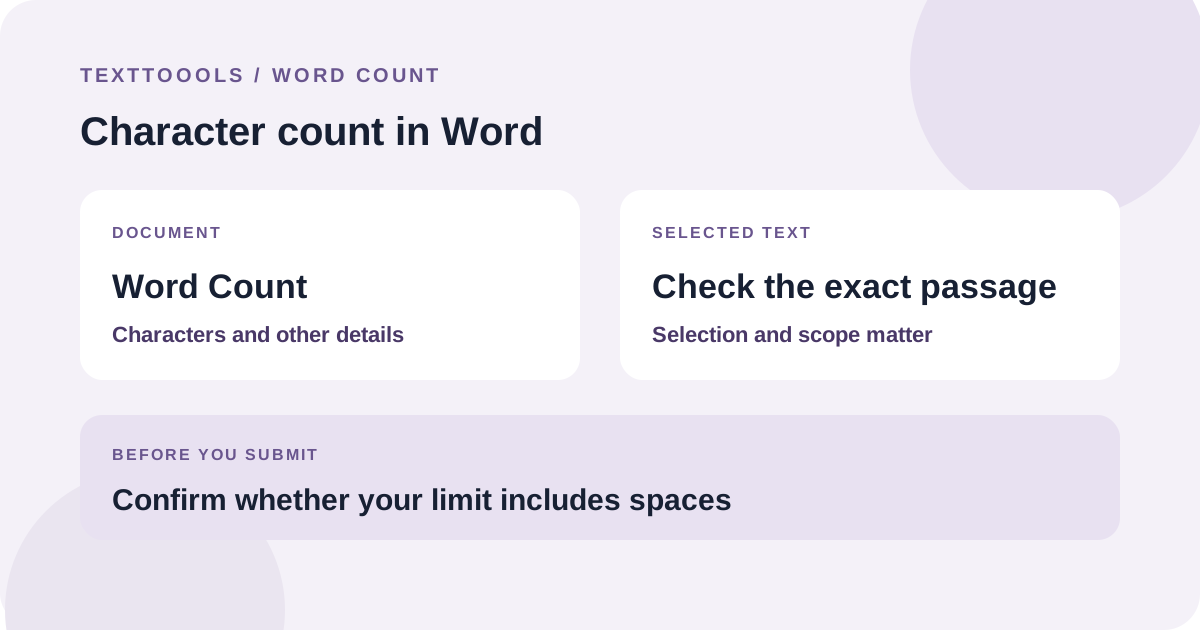
Published: 2026-10-30
Use Word’s status bar and Word Count dialog to check characters in a document or selection. Confirm the counting scope and whether your limit includes spaces.
Read guide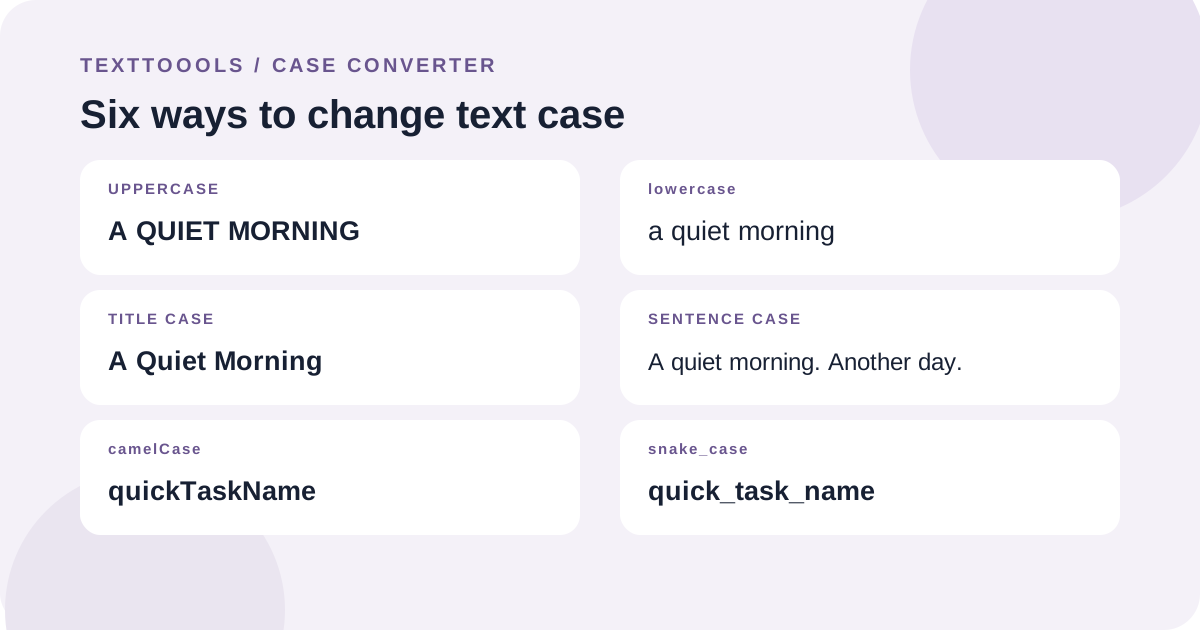
Published: 2026-10-29
Choose a case format to change capitalization without retyping. Compare six common formats, preserve line breaks where expected, and review names or acronyms before replacing your text.
Read guide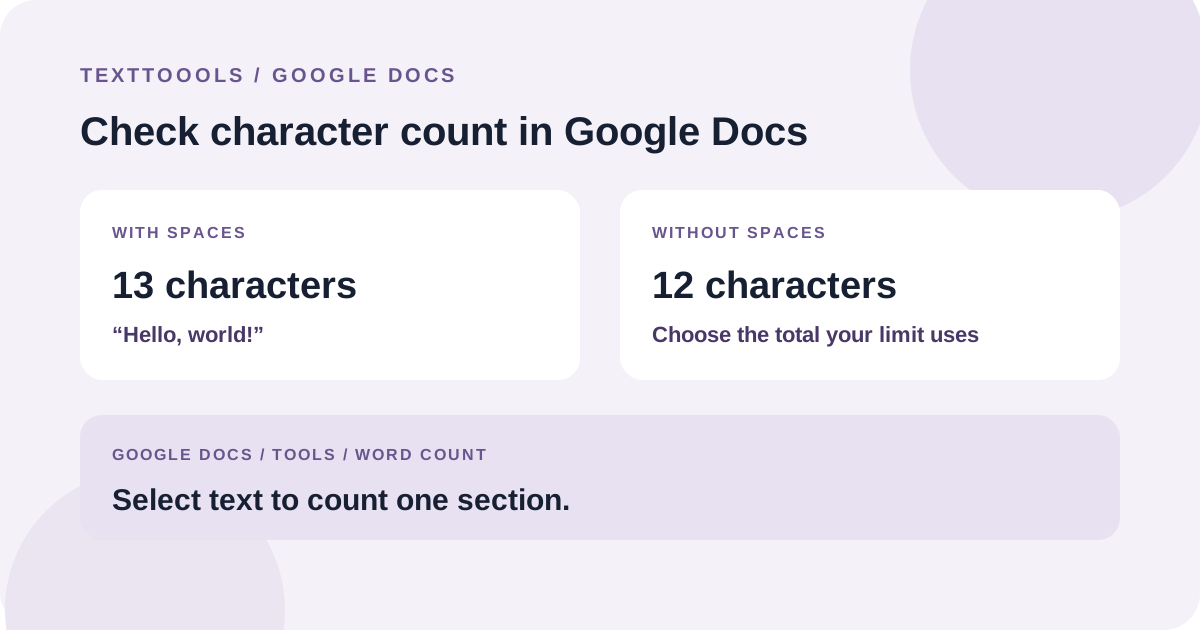
Published: 2026-10-27
Open Tools > Word count in Google Docs to see characters with and without spaces. Select a passage first to count only that section.
Read guide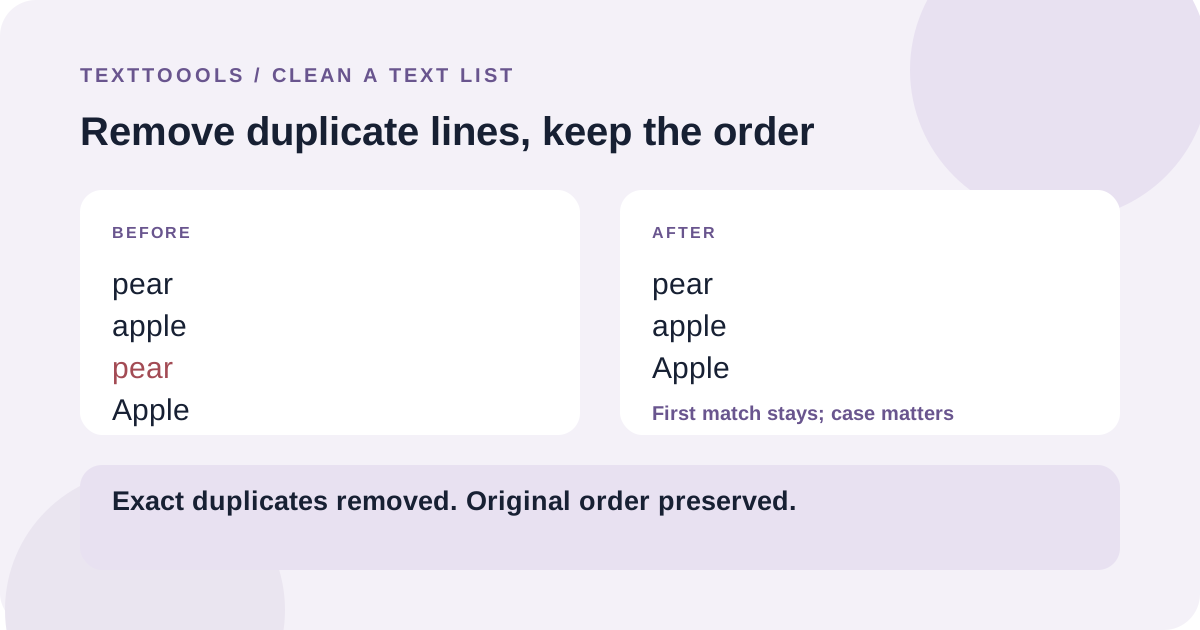
Published: 2026-10-27
Put one item on each line. Exact duplicates are removed, the first occurrence stays, and the remaining lines keep their original order.
Read guide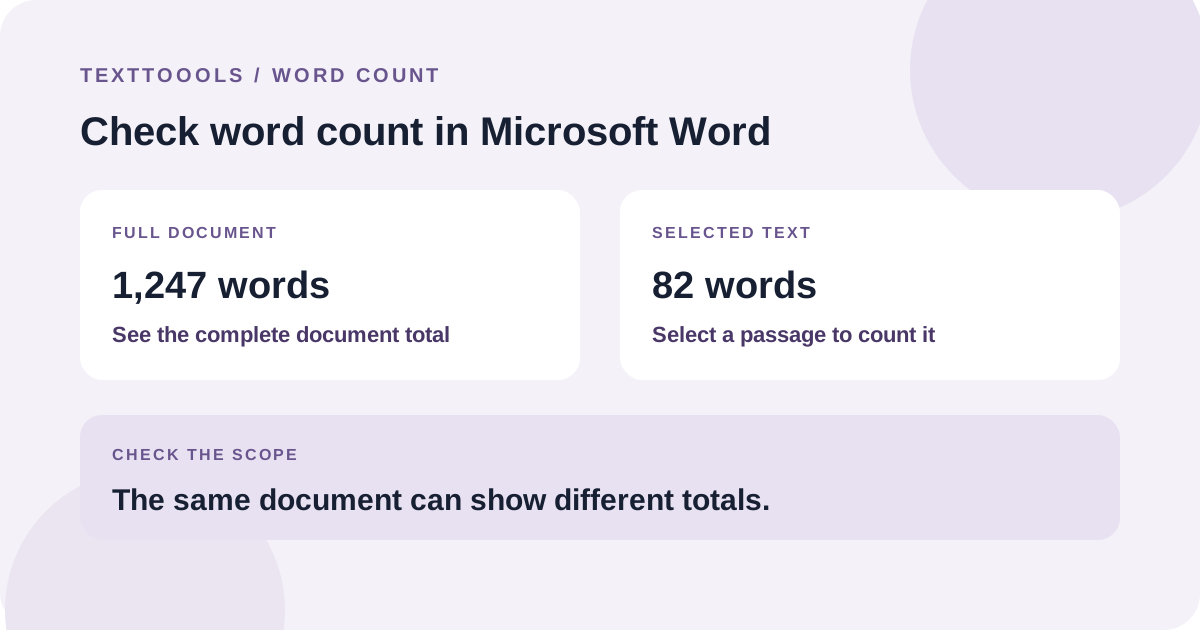
Published: 2026-10-25
Use Word’s status bar or Review > Word Count for a document total. Select a passage to count just that section, then check the counting scope before using the result for a strict limit.
Read guide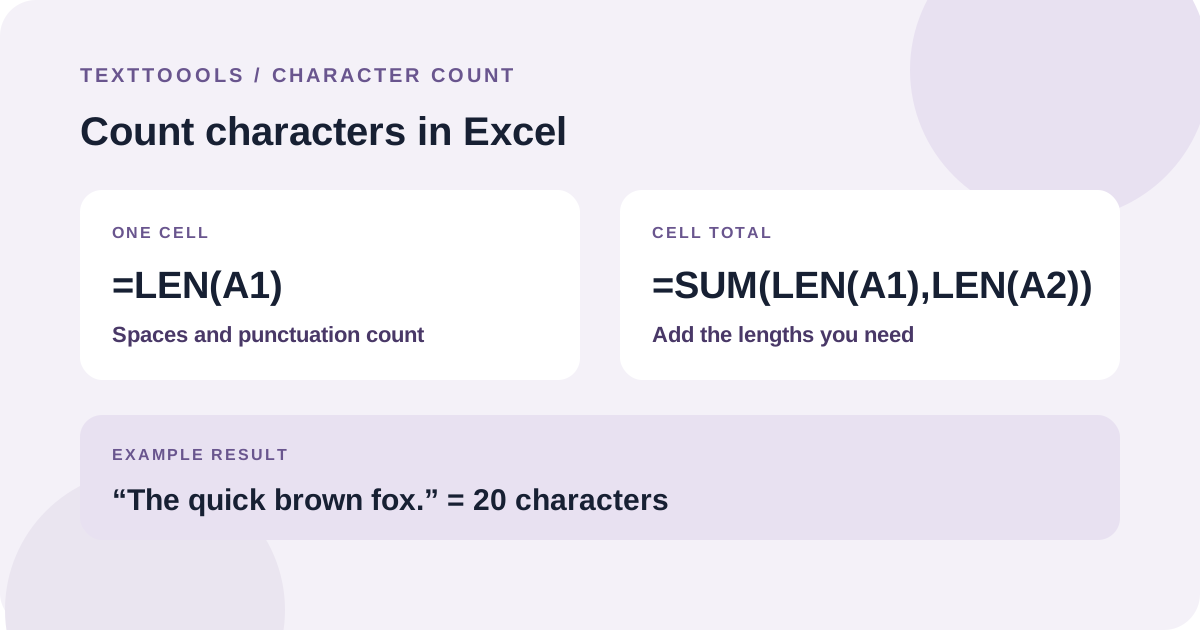
Published: 2026-10-24
Use =LEN(A1) for one cell, fill it down to count a list, or add several LEN results for a total. Excel counts spaces too.
Read guide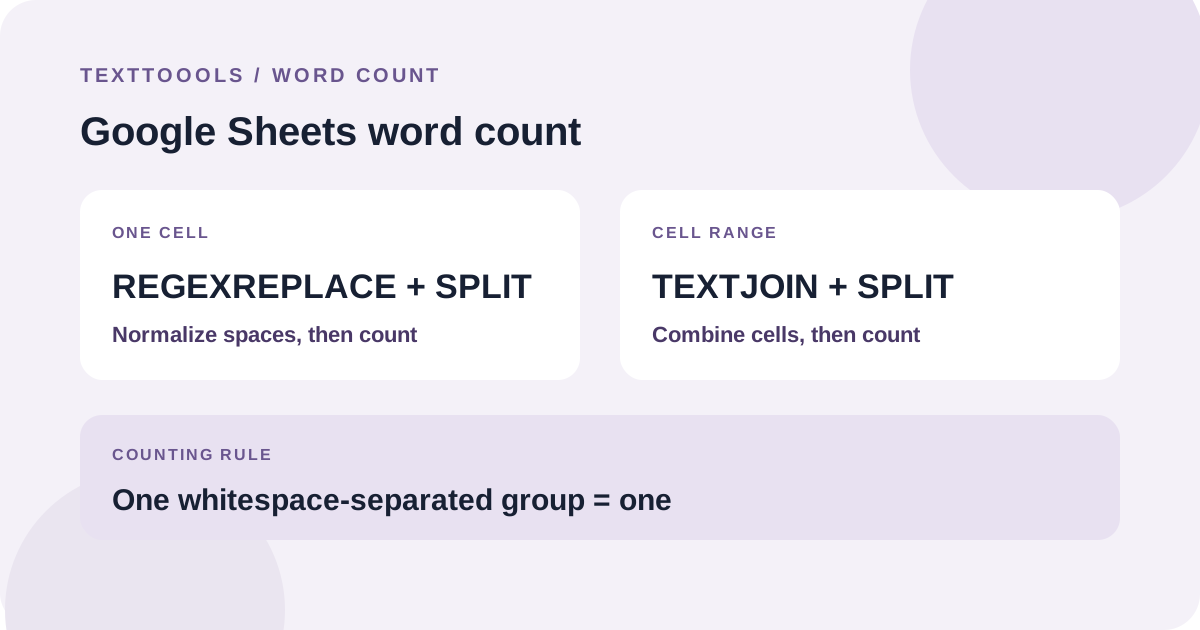
Published: 2026-10-23
Normalize whitespace, split the text into groups, and count them. The formulas below count whitespace-separated groups, not language-aware words.
Read guide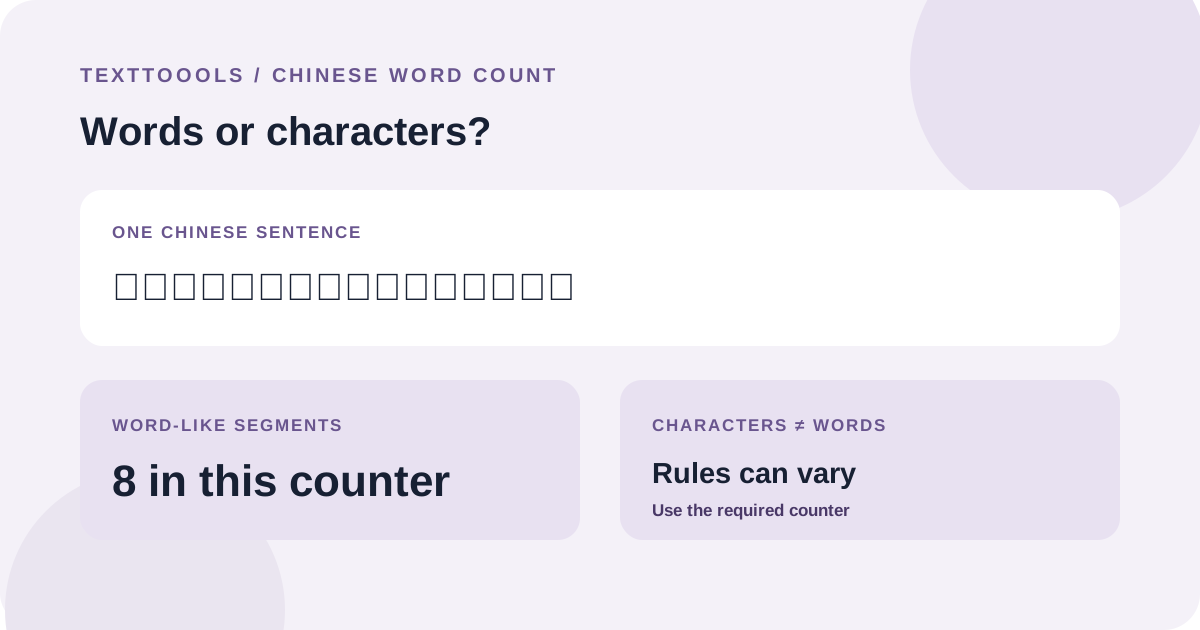
Published: 2026-10-22
Chinese text does not separate words with spaces. A counter uses segmentation rules to estimate word-like units, so different tools may return different totals.
Read guideCloudflare Web Analytics remains active for aggregate traffic and performance measurement. Google Analytics 4 loads only if you explicitly accept; if you reject or make no choice, no GA4 requests are sent to Google. After acceptance, GA4 records page views, which tool you start using, and copy or download actions, but never the text you enter. Your choice is saved in this browser and can be changed at any time in Privacy settings. Privacy policy