Featured guide
Published: 2026-10-21
How Many Words Is a 5-Minute Speech? | TextToools
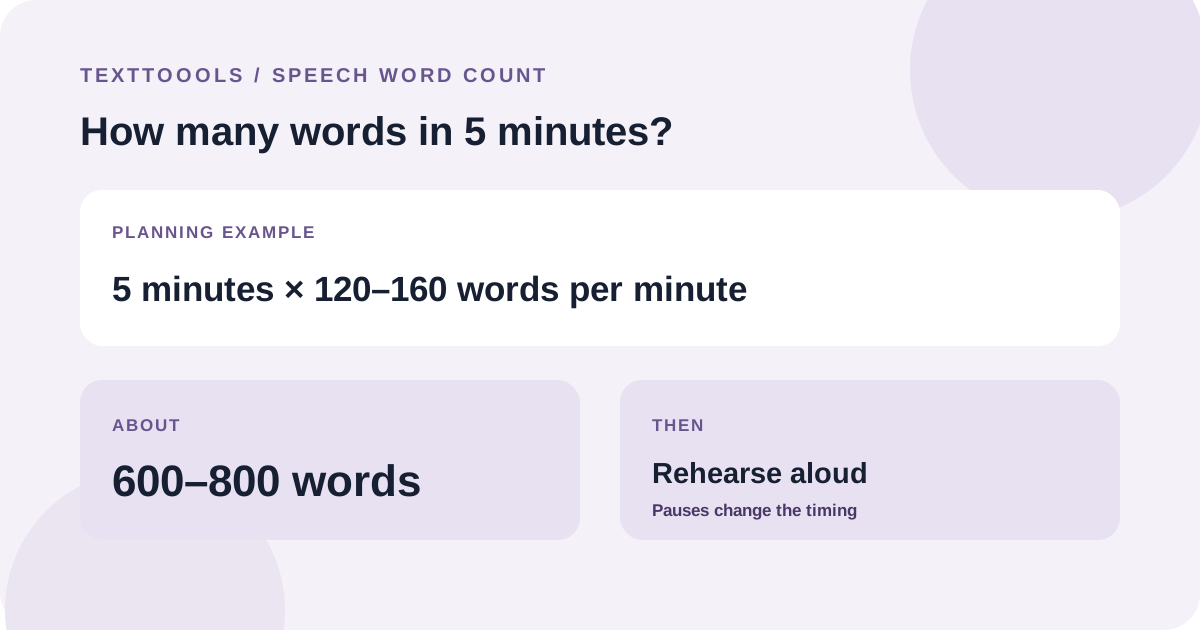
At 120–160 words per minute, five minutes is about 600–800 English words—but your pace, language, pauses, and audience change the result.
Read guideTextToools
Practical, clear guides to counting, cleaning, and working with text.
Showing 21–30 of 34 guides
Featured guide
Published: 2026-10-21
At 120–160 words per minute, five minutes is about 600–800 English words—but your pace, language, pauses, and audience change the result.
Read guide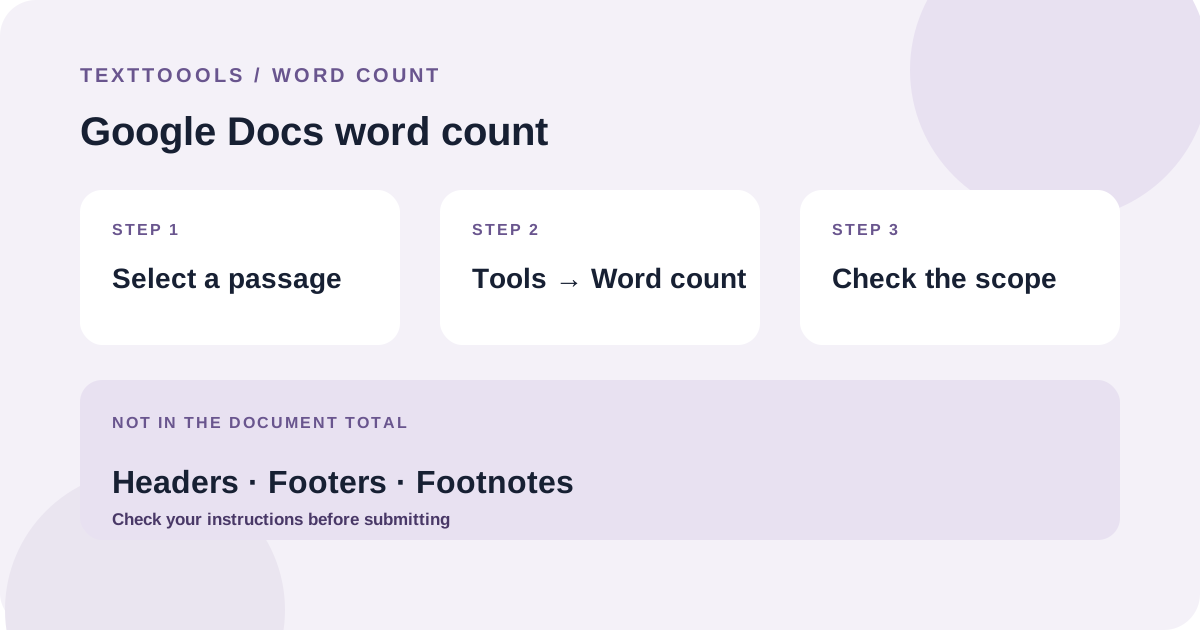
Published: 2026-10-20
Use Tools > Word count in Google Docs to check a document or selection. Google Docs excludes headers, footers, and footnotes from the document total.
Read guide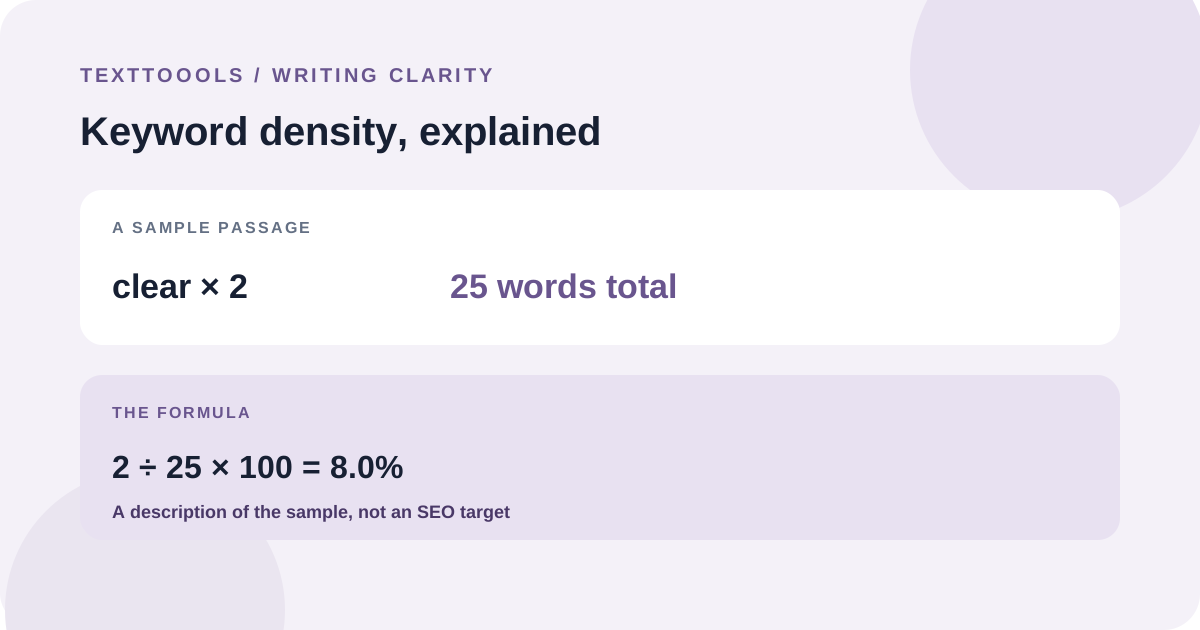
Published: 2026-10-18
Divide a term's occurrences by the passage's total word count to calculate keyword density. Use the percentage to review repetition, not as a ranking target.
Read guide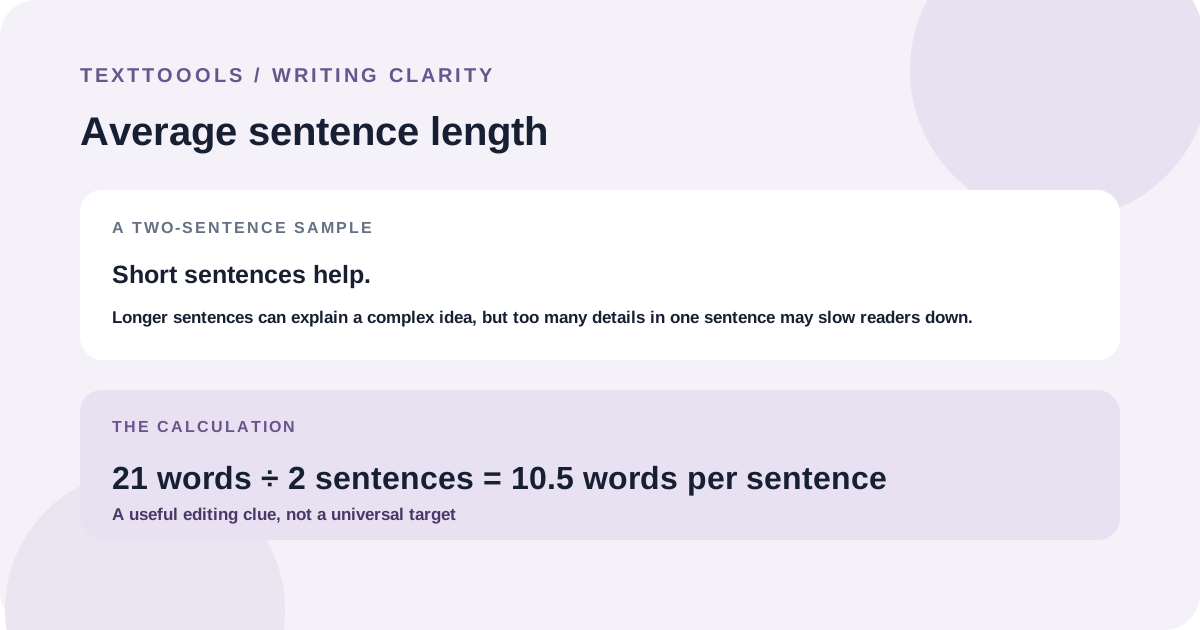
Published: 2026-10-17
Divide the words in a sample by its sentences to find average sentence length. Use the result as an editing clue, not a universal readability score.
Read guide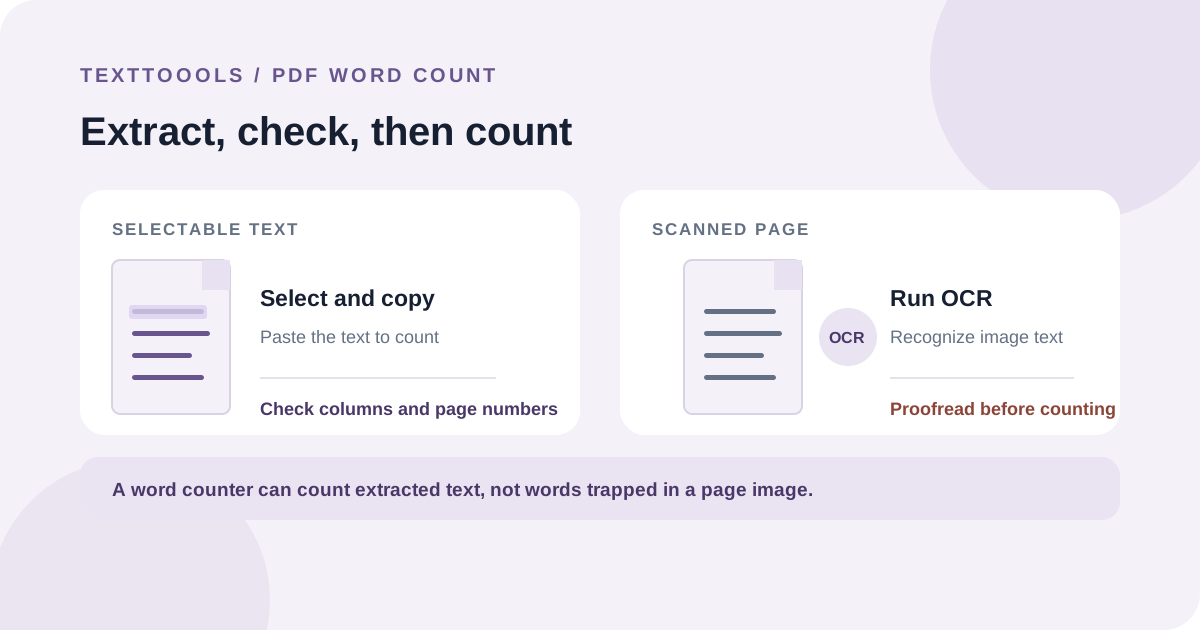
Published: 2026-10-16
First check whether the PDF contains selectable text. Copy text-based files into a word counter; use OCR for scans, then review the extracted text for omissions and errors.
Read guide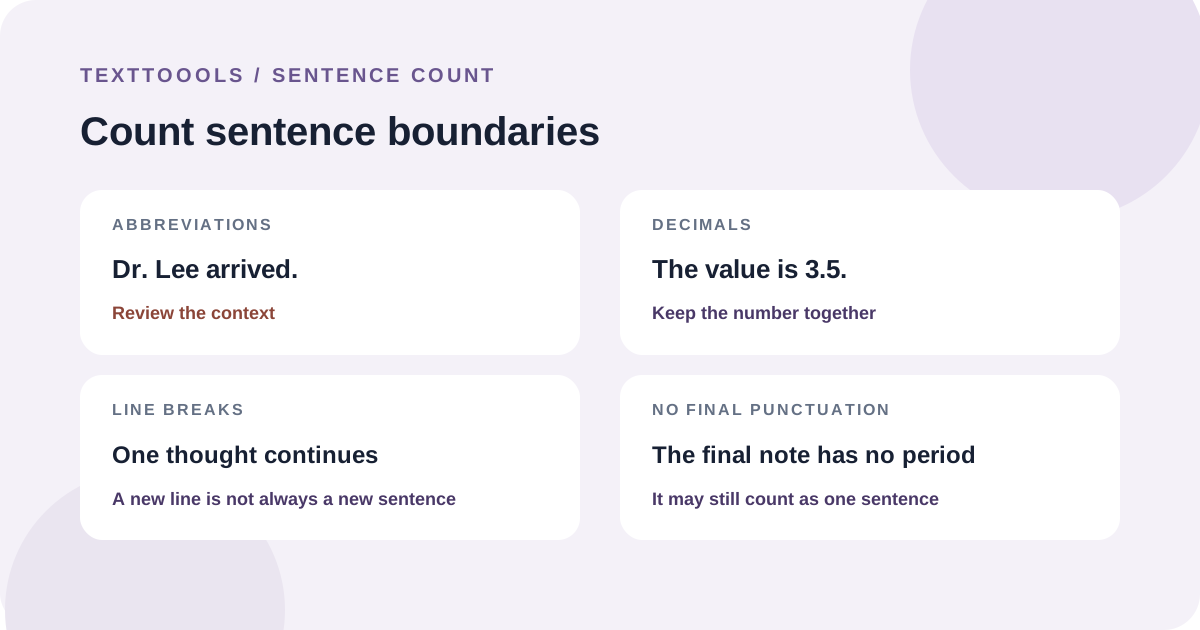
Published: 2026-10-14
Count sentence boundaries rather than lines or periods alone, and review abbreviations, decimals, and unfinished text that can confuse automatic counters.
Read guide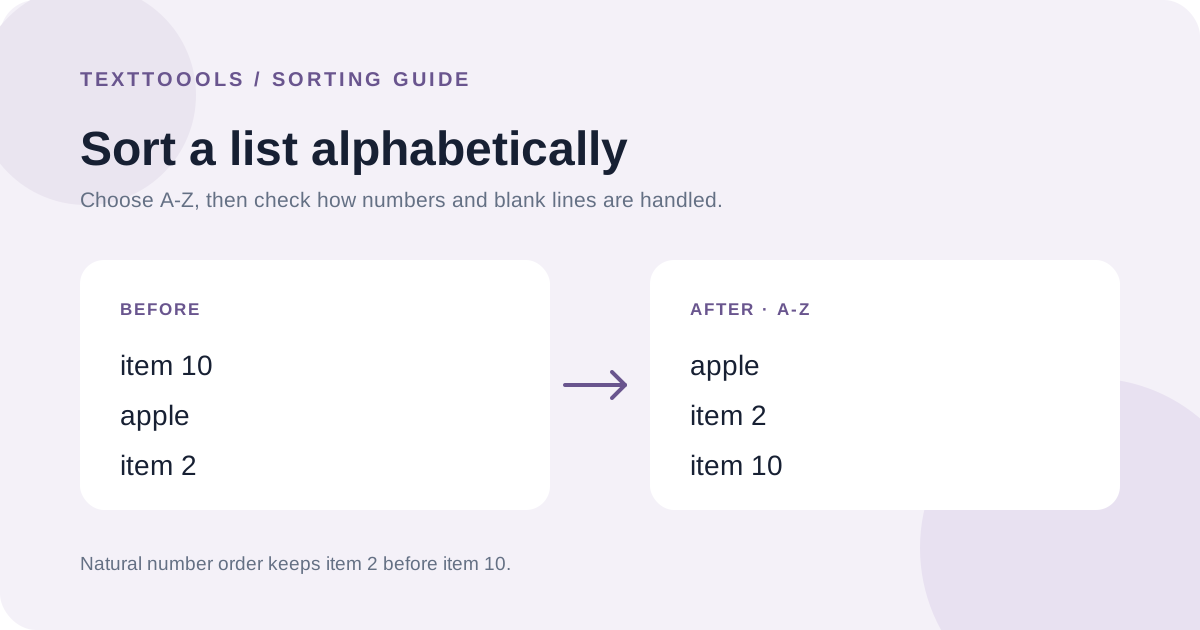
Published: 2026-10-13
Put one item on each line, choose A–Z or Z–A, and check number and blank-line settings before using the sorted list.
Read guide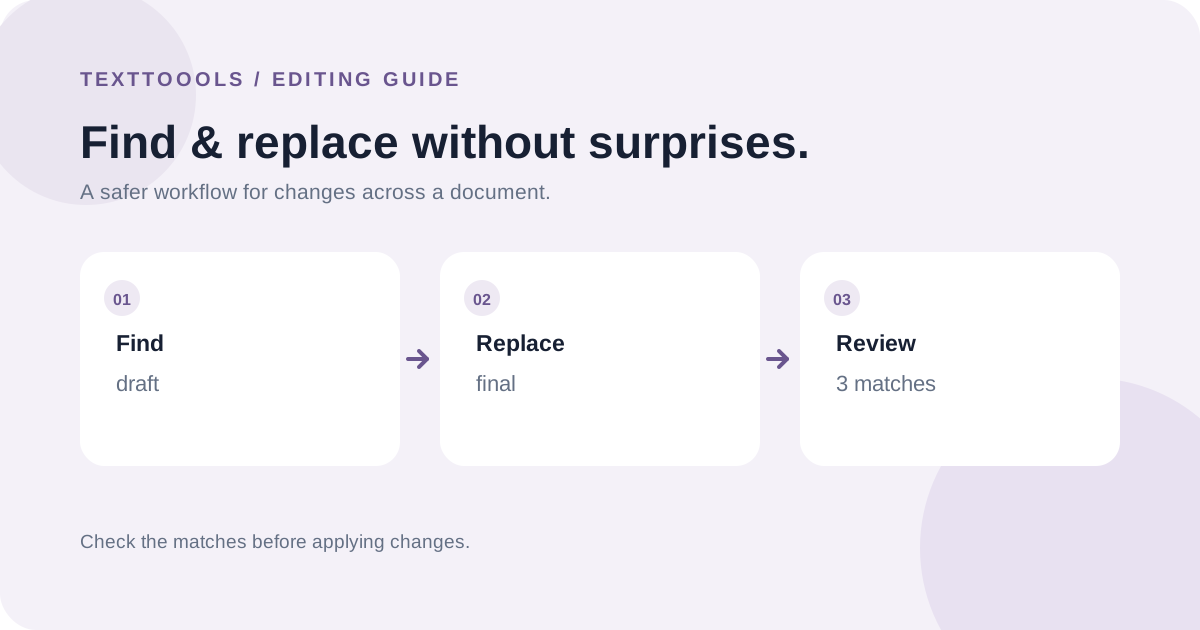
Published: 2026-10-12
A practical workflow for finding and replacing repeated text without changing more than you intend.
Read guide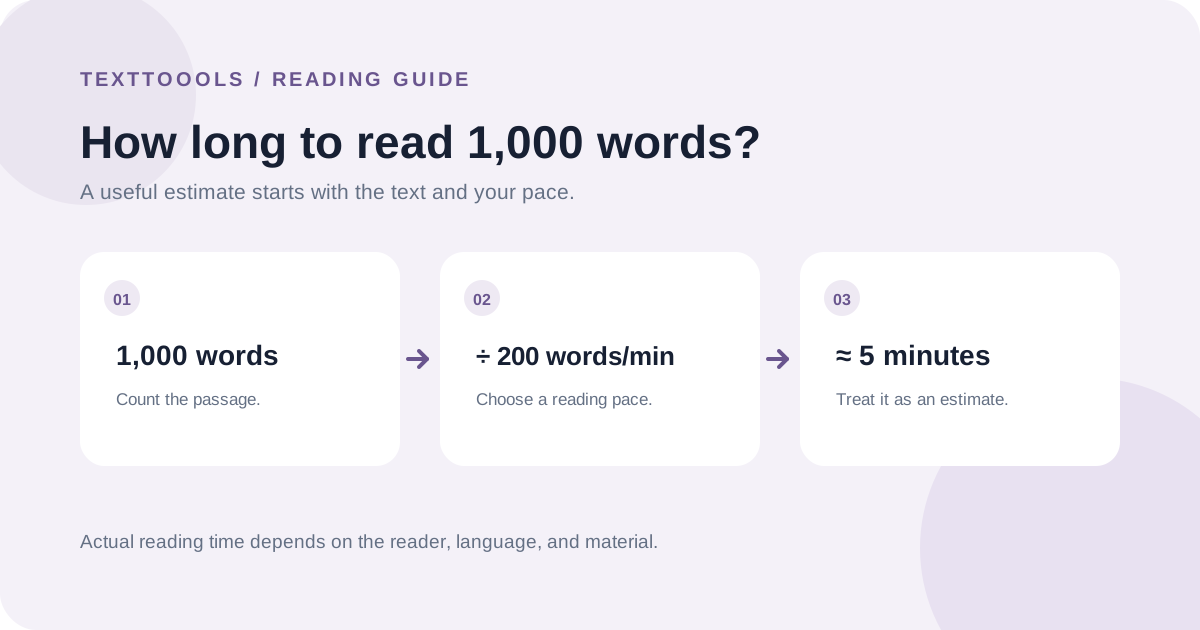
Published: 2026-10-11
At 200 words per minute, 1,000 words takes about five minutes. Your actual time depends on the text, language, reading purpose, and personal pace.
Read guide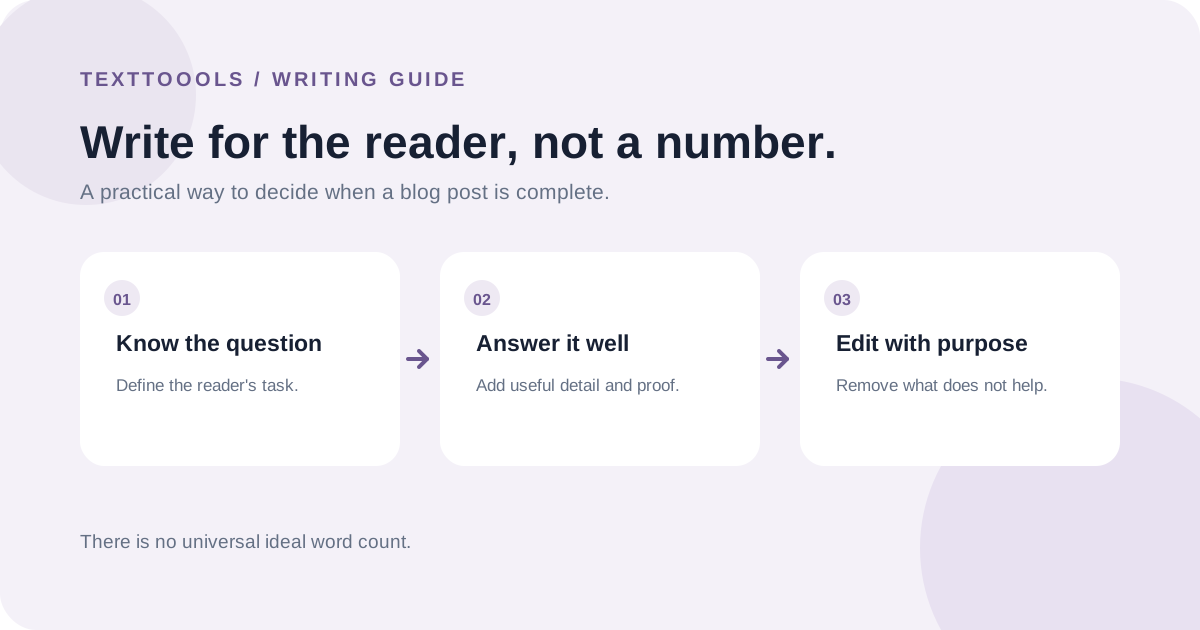
Published: 2026-10-09
There is no universal ideal word count. Use the reader's task, the evidence available, and a clear editing process to decide when a post is complete.
Read guideCloudflare Web Analytics remains active for aggregate traffic and performance measurement. Google Analytics 4 loads only if you explicitly accept; if you reject or make no choice, no GA4 requests are sent to Google. After acceptance, GA4 records page views, which tool you start using, and copy or download actions, but never the text you enter. Your choice is saved in this browser and can be changed at any time in Privacy settings. Privacy policy