Featured guide
Published: 2026-11-18
How to Write a Professional Bio (With Examples) | TextToools
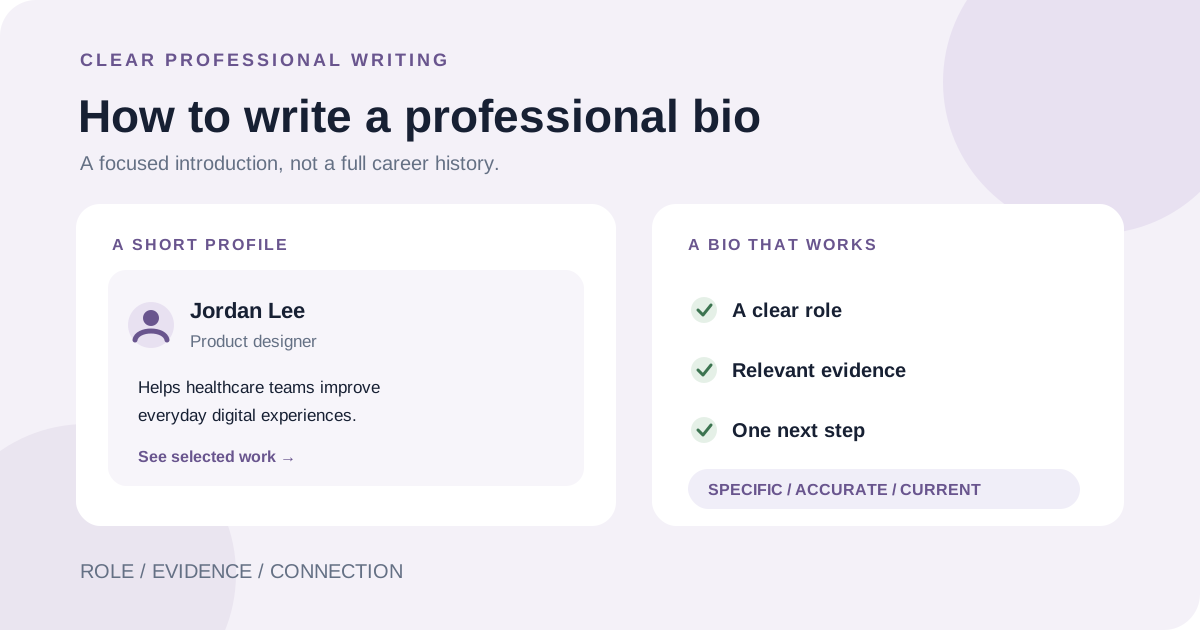
A useful professional bio introduces what you do, shows why it is relevant to the reader, and gives them a clear next step.
Read guideTextToools
Practical, clear guides to counting, cleaning, and working with text.
Showing 1–10 of 34 guides
Featured guide
Published: 2026-11-18
A useful professional bio introduces what you do, shows why it is relevant to the reader, and gives them a clear next step.
Read guide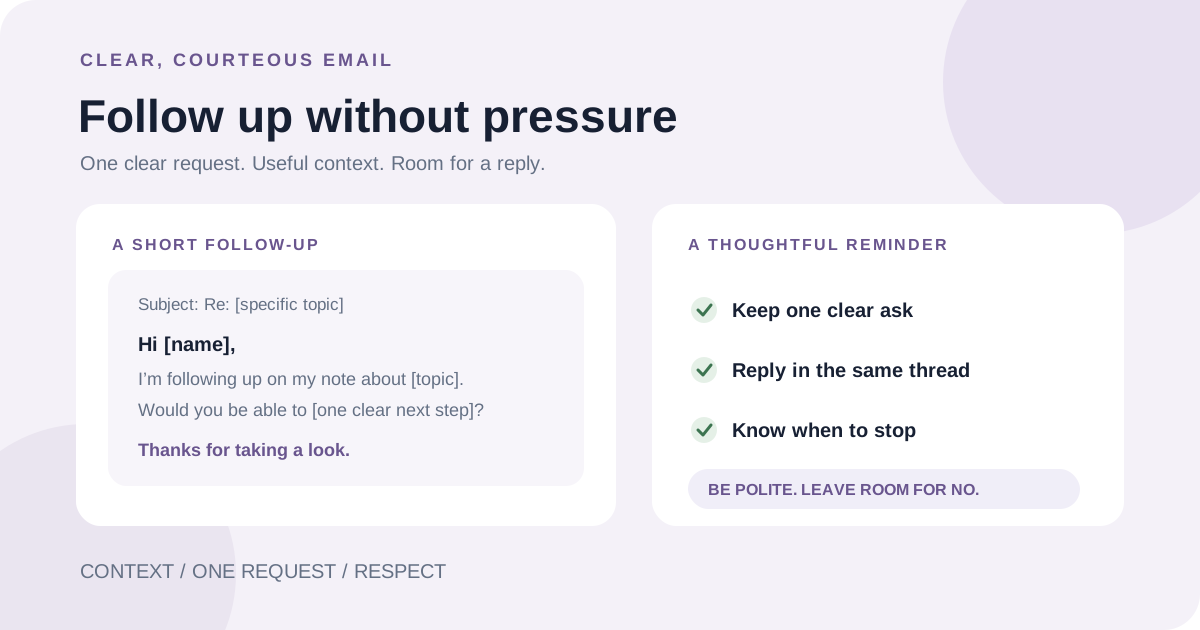
Published: 2026-11-16
A good follow-up makes it easy to understand your earlier request and respond, without adding pressure or sending repeated reminders.
Read guide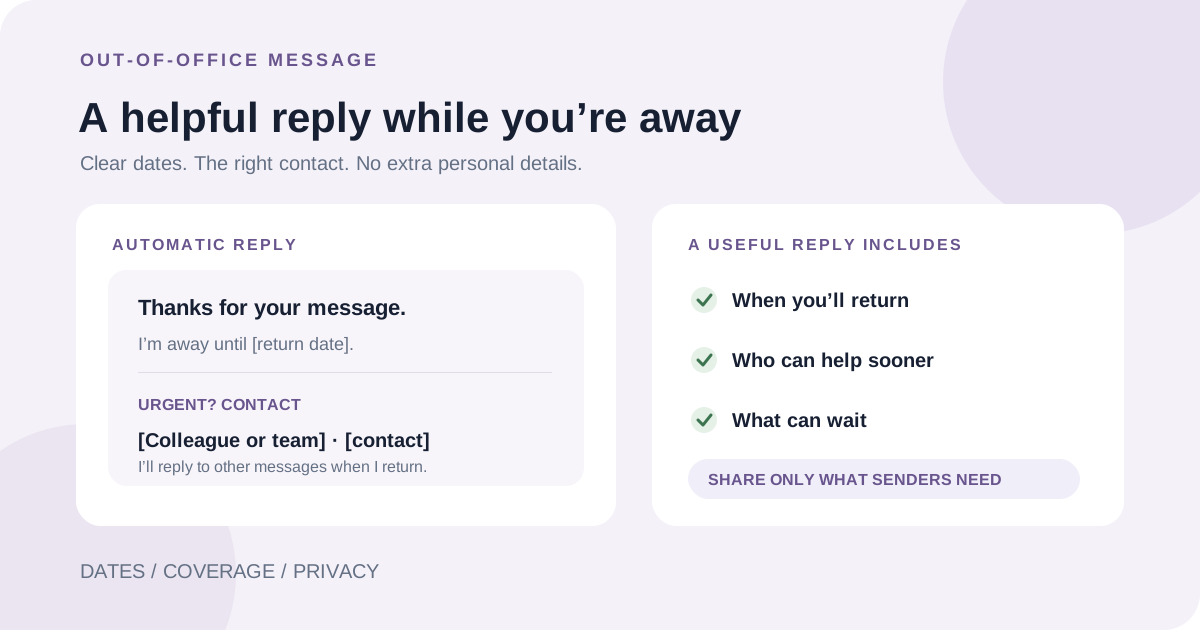
Published: 2026-11-14
A good out-of-office message tells people when you are unavailable, when you expect to return, and where to direct urgent requests—without sharing more than they need.
Read guide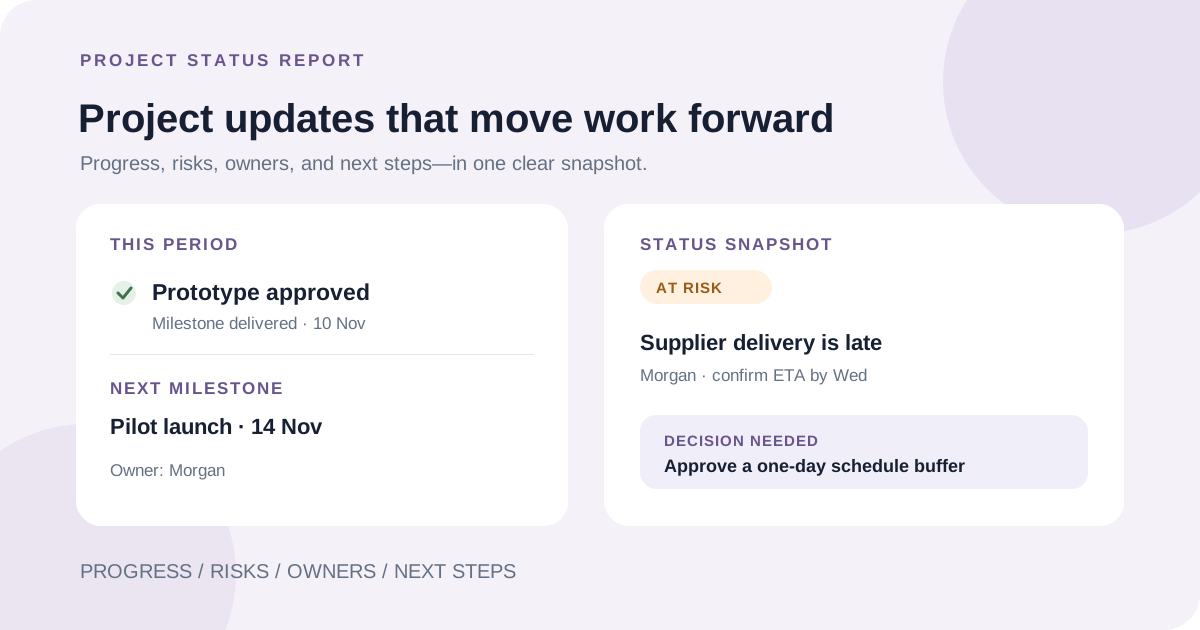
Published: 2026-11-11
A useful project status report gives stakeholders a dated snapshot of where the work stands, what changed, what could affect the plan, and what needs to happen next.
Read guide
Published: 2026-11-10
Good meeting minutes record the decisions and actions people need to refer to later—not a transcript of every comment. Use this step-by-step guide and reusable template.
Read guide
Published: 2026-11-09
A good paraphrase explains a source's idea in a genuinely new sentence structure while preserving its meaning and crediting the source.
Read guide
Published: 2026-11-08
A useful thesis answers the assignment with a specific, supportable claim. Learn how to move from a topic to a clear position and revise it as you write.
Read guide
Published: 2026-11-05
When every task feels urgent, make the work visible, check deadlines and consequences, choose a small number of meaningful outcomes, and leave room to revise.
Read guide
Published: 2026-11-04
Check the exact part of an email that has a word limit. Use a browser counter for Gmail and newer Outlook, or Word Count in classic Outlook for Windows.
Read guide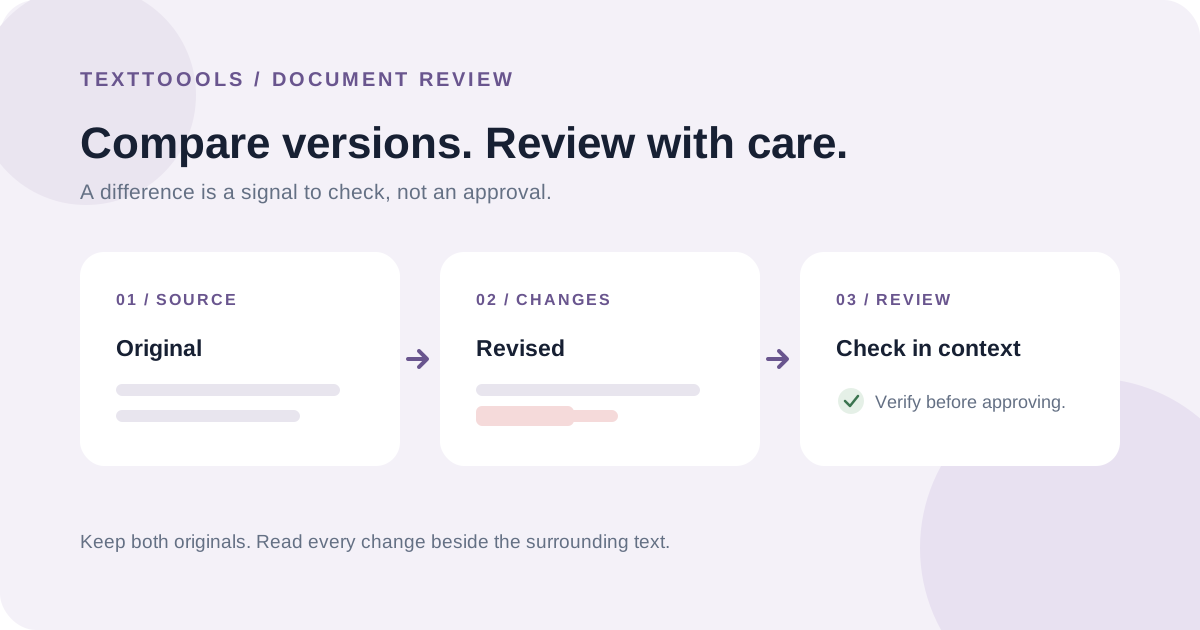
Published: 2026-11-03
A comparison reveals what changed, not whether an edit is correct. Preserve both originals, choose the right review workflow, and verify changes in context.
Read guideCloudflare Web Analytics remains active for aggregate traffic and performance measurement. Google Analytics 4 loads only if you explicitly accept; if you reject or make no choice, no GA4 requests are sent to Google. After acceptance, GA4 records page views, which tool you start using, and copy or download actions, but never the text you enter. Your choice is saved in this browser and can be changed at any time in Privacy settings. Privacy policy