How to Count Words in Google Sheets (Formula for Cells and Ranges) | TextToools
Normalize whitespace, split the text into groups, and count them. The formulas below count whitespace-separated groups, not language-aware words.
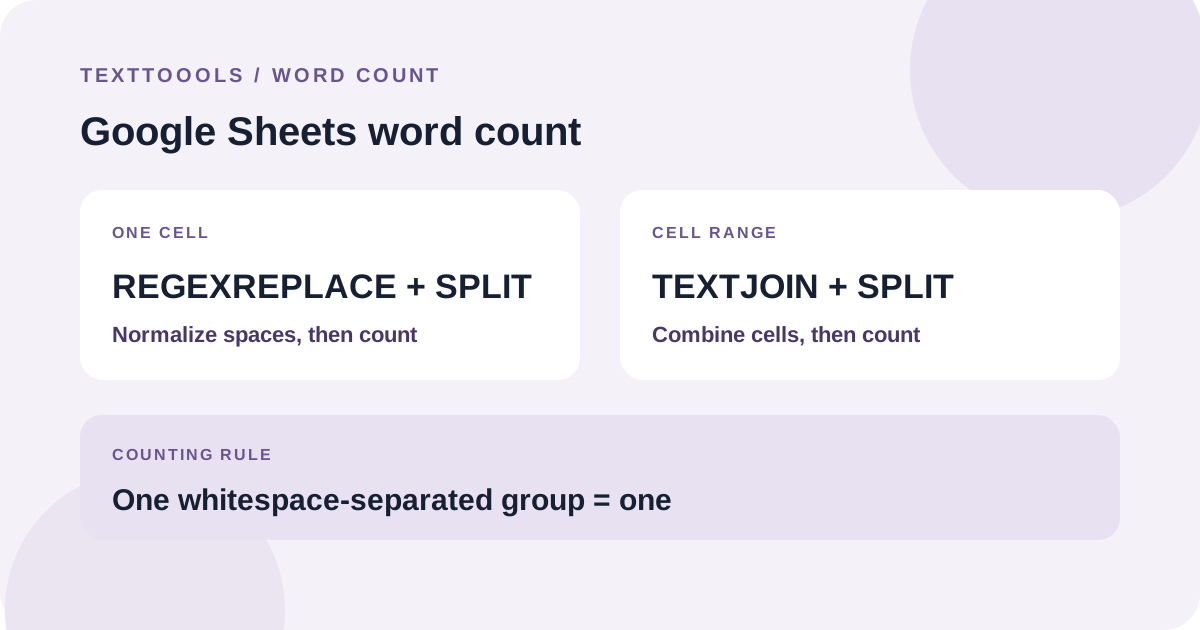
The quick answer: normalize whitespace, then split and count
Google Sheets does not have a built-in word-count button for a cell. You can use a formula that replaces runs of whitespace with one space, splits the result, and counts the pieces.
For English text in cell A1, paste this into another cell. It returns 0 for an empty or whitespace-only cell:
=IF(LEN(TRIM(REGEXREPLACE(A1,"\s+"," ")))=0,0,COUNTA(SPLIT(TRIM(REGEXREPLACE(A1,"\s+"," "))," ")))9 wordsFor “The quick brown fox jumps over the lazy dog.” in A1, the formula returns 9.
What the formula does
REGEXREPLACE(A1,"\s+"," ") replaces each run of whitespace with one ordinary space. In Google Sheets, REGEXREPLACE uses RE2 regular expressions; this pattern handles regular spaces, tabs, and line breaks.
TRIM removes leading and trailing spaces, SPLIT divides the cleaned text at spaces, and COUNTA counts the resulting pieces. The IF check prevents an empty cell from being treated as one item.
Punctuation stays attached to its group, and a hyphenated expression without spaces counts as one group. This is a whitespace-based count, not a grammar checker or a universal definition of a word.
Count words across a range of cells
To count text in cells A1 through A10 as one total, TEXTJOIN combines the non-empty cells with spaces between them. The rest of the formula normalizes whitespace, splits the combined text, and counts the groups.
=IF(LEN(TRIM(REGEXREPLACE(TEXTJOIN(" ",TRUE,A1:A10),"\s+"," ")))=0,0,COUNTA(SPLIT(TRIM(REGEXREPLACE(TEXTJOIN(" ",TRUE,A1:A10),"\s+"," "))," ")))9 wordsIf A1 contains “The quick brown fox” and A2 contains “jumps over the lazy dog.”, the range formula returns 9.
Check the range and counting rule
Replace A1 or A1:A10 with the cell or range you need. The range formula combines all its non-empty cells into a single total; it does not return a separate count for each row.
The formulas use English function names and comma separators. If your spreadsheet reports a formula parse error, check its locale settings: the argument separator or function names may differ. Use a finite range that covers the text you want, and make sure the count cell is outside that range.
Where this formula can give a different count
The formula treats each group separated by whitespace as one word. It is useful for a straightforward English draft, but punctuation remains attached and hyphenated terms count as one group. Another word counter may follow a different convention.
Google Sheets' TRIM documentation notes that non-breaking spaces are not removed by TRIM. If pasted text contains unusual invisible spacing, normalize or replace it before relying on the total. For Chinese text, whitespace splitting is not a linguistic word count; use a counter with Chinese-aware segmentation instead.
For a strict assignment or publishing limit, check whether headings, notes, or other cells are included and use the method specified by the recipient.
Try the TextToools Word Counter
If you want to check a passage without setting up a spreadsheet formula, copy the exact text into the TextToools Word Counter. It counts groups separated by whitespace in your browser. It does not open Google Sheets or read a spreadsheet range, so copy only the text you want counted.
A note from the founder
When I built the TextToools Word Counter, I chose a clear whitespace-based rule for English: each group between spaces or line breaks counts as one. A spreadsheet formula can follow a similar rule, but it is important to know what the formula includes before comparing its result with another counter.
About the author
Written by the founder of TextToools. I build privacy-respecting text tools because I believe your text should not have to leave your browser.
Sources and further reading
- SPLIT function — Google Docs Editors Help
- REGEXREPLACE function — Google Docs Editors Help
- TRIM function — Google Docs Editors Help
- TEXTJOIN function — Google Docs Editors Help
- RE2 syntax reference — Google RE2