How to Count Words in Chinese (and Why Counters Differ) | TextToools
Chinese text does not separate words with spaces. A counter uses segmentation rules to estimate word-like units, so different tools may return different totals.
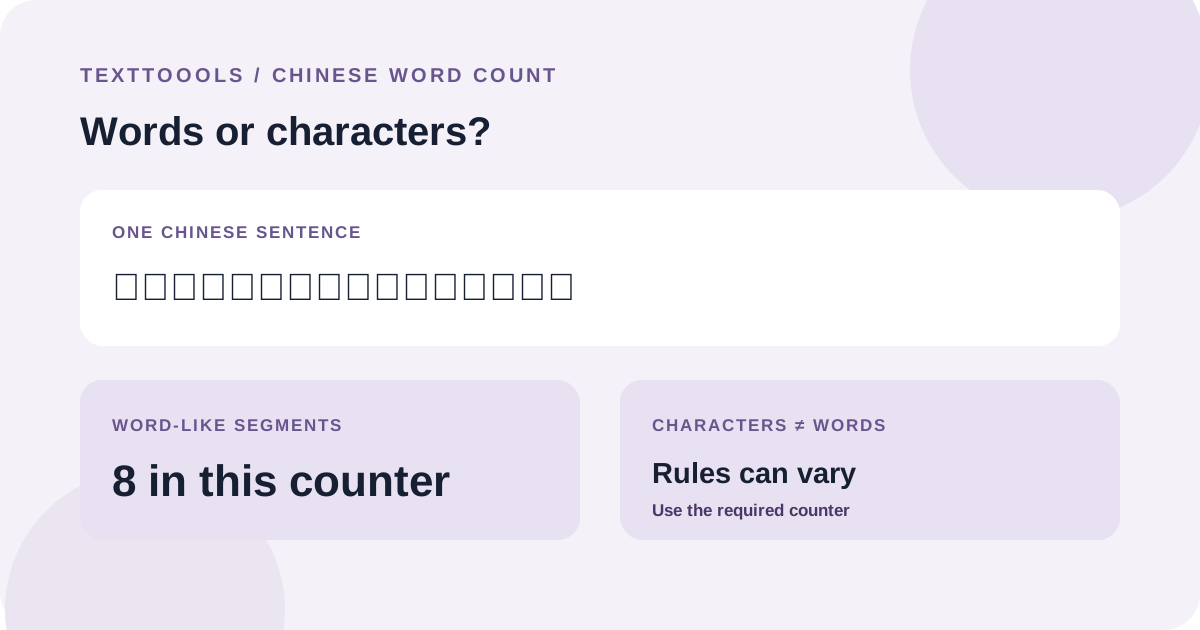
The quick answer: Chinese word counts depend on segmentation
Chinese writing usually does not place spaces between words. A counter cannot count words by splitting at spaces as it can for English; it has to estimate where word-like units begin and end.
That is why two counters can show different totals for the same Chinese passage. Their segmentation rules or language data may differ. If a school, publisher, or form specifies a counting method, use that method for the final number.
Words, characters, and word-like segments are not the same
A Chinese character is a written unit; a word may contain one or more characters. For example, in the phrase “今天的天气很好” (The weather is nice today), a word segmenter might group characters as “今天 / 的 / 天气 / 很好”. Counting each character, each segment, or only non-space symbols answers a different question.
Check what your assignment actually asks for: words (词数), characters (字数), or a platform-specific limit. Do not assume that a displayed “word” total is a character count, or that every counter uses the same definition.
How a Chinese word counter splits text
TextToools uses the browser's locale-aware word segmentation for Simplified Chinese and counts segments marked as word-like. This is different from counting spaces, characters, or punctuation marks. The counter also shows a separate character total, which follows its own grapheme-counting rule.
Unicode describes default text boundaries as guidelines that can be tailored to particular languages and conventions. A segmenter provides a consistent practical estimate, not a universal linguistic authority for every context or vocabulary.
A short example of why totals differ
Consider “今天的天气很好,我们去公园散步。” The current TextToools segmenter groups it as “今天 / 的 / 天气 / 很好 / 我们 / 去 / 公园 / 散步”. A character count instead counts the visible characters, while a whitespace-only counter may treat the whole sentence as one group. Each result follows a different rule.
今天的天气很好,我们去公园散步。8 wordsThe current TextToools Simplified Chinese segmenter returns eight word-like segments for this example. Browser segmentation data can vary, so another runtime may split it differently.
How to check a Chinese word count
1. Confirm whether the requested limit is in words, characters, or another unit.
2. Use a counter configured for Chinese rather than relying on whitespace splitting.
3. Paste the exact text that is in scope, including headings or notes only if the instructions count them.
4. Compare the result with the destination's required method. If the limit is strict and no method is given, ask the recipient which counter or definition to follow.
5. Use the same method when revising so that differences reflect your edits rather than a change in counting rules.
Why another counter may disagree
Chinese segmentation is not simply a matter of looking for spaces. Different software may use different language data, versions, or rules for ambiguous word boundaries, names, and mixed Chinese-English text. A disagreement does not automatically mean one result is a typo; first check whether both counters measure the same unit and use the same method.
TextToools calculates the count in your browser and does not upload the text. It uses the browser's available segmentation behavior, so another browser or destination may not produce an identical total. Follow the submission system's counter when it specifies one.
Try the TextToools Word Counter
Paste your Simplified Chinese text into the TextToools Word Counter to see its word-like segment and character totals. Use the word total as a consistent estimate for editing, and use the destination's own method when you need to meet a formal limit.
A note from the founder
When I added Chinese word counting to TextToools, I chose language-aware segmentation instead of treating a whole unspaced sentence as one word. I also keep the character total separate, because words and characters answer different questions.
About the author
Written by the founder of TextToools. I build privacy-respecting text tools because I believe your text should not have to leave your browser.
Sources and further reading
- Intl.Segmenter — MDN Web Docs
- Unicode Text Segmentation (Unicode Standard Annex #29) — The Unicode Consortium