How to Write a Professional Bio (With Examples) | TextToools
A useful professional bio introduces what you do, shows why it is relevant to the reader, and gives them a clear next step.
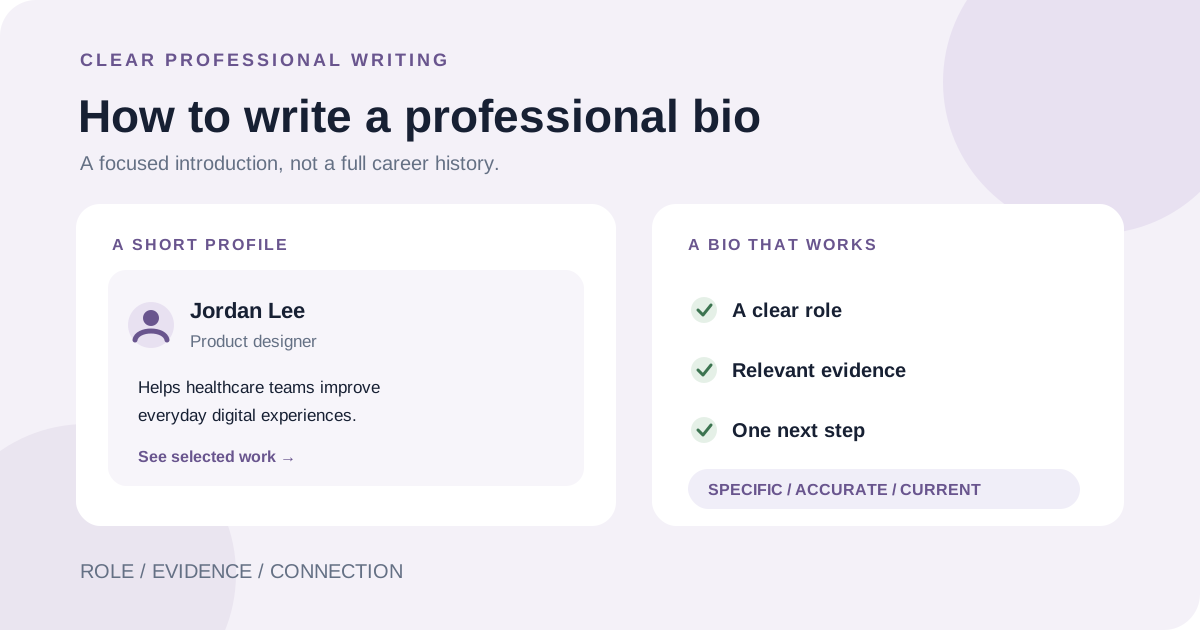
What a professional bio should do
A professional bio is a short introduction to your work, written for a particular reader and setting. You might use one on a portfolio, company page, conference program, or professional profile. It is not a complete career history: it helps the reader understand what you do and why it may matter to them.
The right bio depends on its purpose. A speaker introduction may emphasize a subject you can discuss; a portfolio bio may help a potential client understand the work you take on. Follow any instructions or length limit from the site or organizer where it will appear.
Start with your audience and purpose
Before writing, answer two questions: who will read this, and what should they understand or do next? A prospective client may need to know the services you offer. A conference audience may need your role and connection to the session. A team page may call for your responsibilities and relevant background.
Choose details that support that purpose. You do not need to include every job, qualification, or personal interest. If a detail would not help this reader understand your work, it may belong in a résumé or a longer profile instead.
Choose first person or third person
First person uses “I” and often feels direct on a personal website or portfolio. Third person uses your name or pronouns and is common when an organizer or employer will introduce you. Neither voice is automatically more professional; the platform's expectations and your audience matter more.
Pick one point of view and keep it consistent. If an event specifically asks for a third-person introduction, provide that version rather than making the host rewrite it.
Select details that support your introduction
A focused bio often combines your current role, the work or subject you specialize in, and one concrete detail that supports your credibility. That evidence could be a relevant project, qualification, publication, or result—but only include claims you can verify and explain.
A simple outline can help you choose:
Build a clear structure
Lead with your name and role so readers know who the bio is about. Add the most relevant focus or audience, then support it with one specific experience or credential. End with a current project, portfolio link, or simple invitation if the setting calls for one.
Treat this as a flexible structure, not a formula. A short profile may need only two sentences; a longer introduction can add context. Use the space the destination gives you, and do not add filler just to reach a word count.
Edit for clarity, accuracy, and privacy
Read the bio from the reader's point of view. Can they tell what you do and why the details matter? Replace vague praise such as “passionate expert” with a concrete description of your work. Remove repeated ideas, unexplained jargon, and claims that sound bigger than the evidence supports.
Check names, titles, dates, links, and any statistics. Make sure the point of view stays consistent and the bio fits the destination's limit. If a platform counts characters rather than words, use its own counter or verify the text with the TextToools Word Counter before you paste it.
Share only personal details you are comfortable making public. A professional bio does not need a home address, private contact information, or personal history unrelated to its purpose.
Keep the bio current
Review your bio when your role, focus, or contact details change, and before reusing it for a new audience. Keep a longer source version if useful, then make shorter versions for profiles with stricter limits. Check that the facts stay consistent across each version.
A note from the founder
I find it easier to write a bio after deciding what the reader needs to know, rather than trying to summarize my whole working life. A few accurate, relevant details are more useful than a long list of titles.
About the author
Written by the founder of TextToools. I build privacy-respecting text tools because I believe your text should not have to leave your browser.
Sources and further reading
- Professional Bio Guide — Boise State University Writing Center
- Professional Bio — MIT Chemical Engineering Communication & Career Lab