How Many Words Is a 5-Minute Speech? | TextToools
At 120–160 words per minute, five minutes is about 600–800 English words—but your pace, language, pauses, and audience change the result.
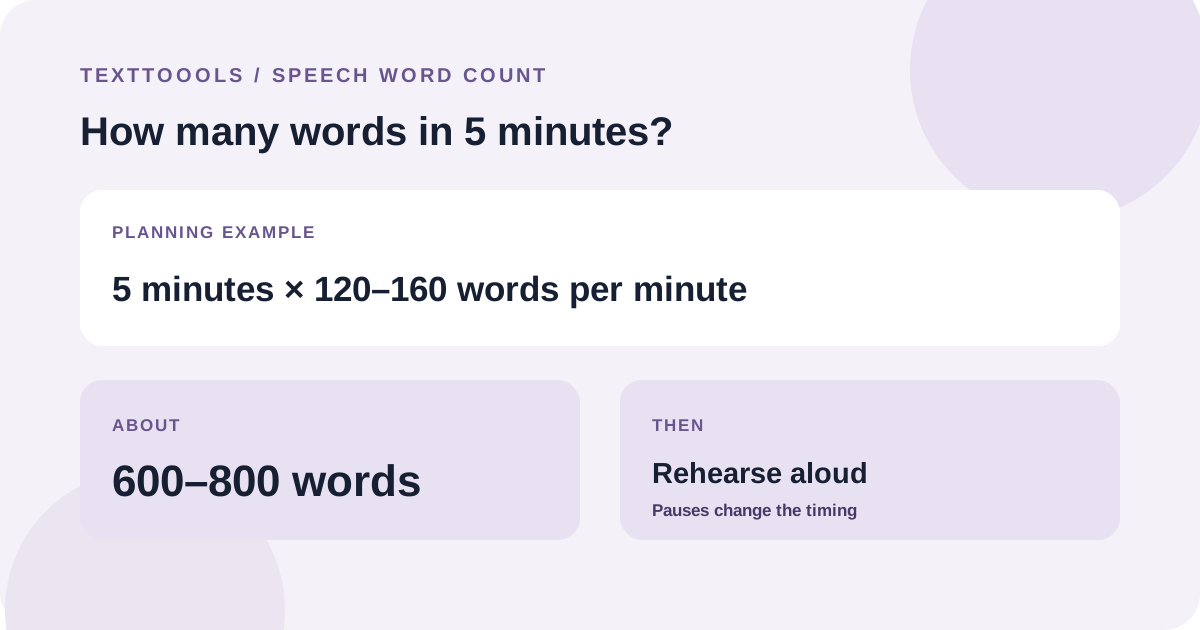
The quick answer: about 600–800 words at 120–160 words per minute
A five-minute speech is roughly 600–800 English words if you plan around 120–160 words per minute. Toastmasters includes that range in its speaking-voice guidance, but it is a starting point, not a rule for every speaker or language.
Pauses, emphasis, audience reaction, and transitions take time without adding words. If your delivery is deliberate or the speech includes interaction, aim below the straight-math estimate and rehearse the actual script.
Use the words-per-minute formula
Estimate speech length with this formula: speaking time in minutes = word count ÷ speaking pace in words per minute. To plan a word count, reverse it: word count = minutes × words per minute.
For five minutes, the arithmetic looks like this: at 120 words per minute, plan for 600 words; at 140, 700 words; at 160, 800 words. These are estimates before pauses or audience interaction, not guaranteed delivery times.
Why your five-minute word count may be different
People do not speak at one constant speed. A speaker may slow down to explain a technical point, pause for emphasis, or wait for an audience response. Names, quotations, slide changes, and demonstrations can also add time.
The 120–160 range is a useful English-language planning reference, not a universal pace. Word segmentation and spoken rhythm vary by language, so do not apply an English estimate blindly to a script in another language. Count and rehearse the version you will actually deliver.
Measure your own pace by rehearsing
1. Prepare the script you intend to deliver. Do not include private notes or stage directions in the word count unless you will say them aloud.
2. Read the script aloud at a natural presentation pace and time the complete delivery, including pauses and transitions.
3. Divide the spoken word count by the rehearsal time in minutes to estimate your words per minute. For example, 630 words delivered in 4.5 minutes is 140 words per minute.
4. If the rehearsal runs long, remove or simplify material that is less important. If it finishes early, add useful explanation only where the audience needs it; do not stretch every sentence.
5. Rehearse again after editing. A second run helps catch timing changes caused by a new example, longer pause, or transition.
Leave room for pauses and audience response
A script that reaches exactly five minutes when read straight through may run over when delivered to an audience. Mark intentional pauses, allow time for a slide or demonstration, and consider whether laughter or questions are likely.
Toastmasters recommends practicing with a timer and accounting for pauses and audience reactions. Use the word-count calculation to draft; use a timed rehearsal to decide whether the speech fits.
Try the TextToools Word Counter
Paste the words you plan to say into the TextToools Word Counter to check the script length. Remove stage directions from the text first if you will not speak them. The count runs in your browser, but it does not time a rehearsal or predict pauses—use a stopwatch while speaking aloud for that.
A note from the founder
When I built the TextToools Word Counter, I knew a word total alone could not tell someone how long a speech would take. The speaker's pace and pauses matter, so I treat a word count as a planning aid and a rehearsal as the real timing check.
About the author
Written by the founder of TextToools. I build privacy-respecting text tools because I believe your text should not have to leave your browser.
Sources and further reading
- Your Speaking Voice — Toastmasters International
- Manage Your Speaking Time — Toastmasters International