How to clean pasted text without losing its structure
A safe, step-by-step method for tidying copied text without accidentally flattening lists or paragraphs.
Start with a copy
When text comes from a PDF, web page, or document, it can contain extra spaces, uneven indentation, or too many blank lines. Keep the original source available before applying cleanup so you can compare and restore anything important.
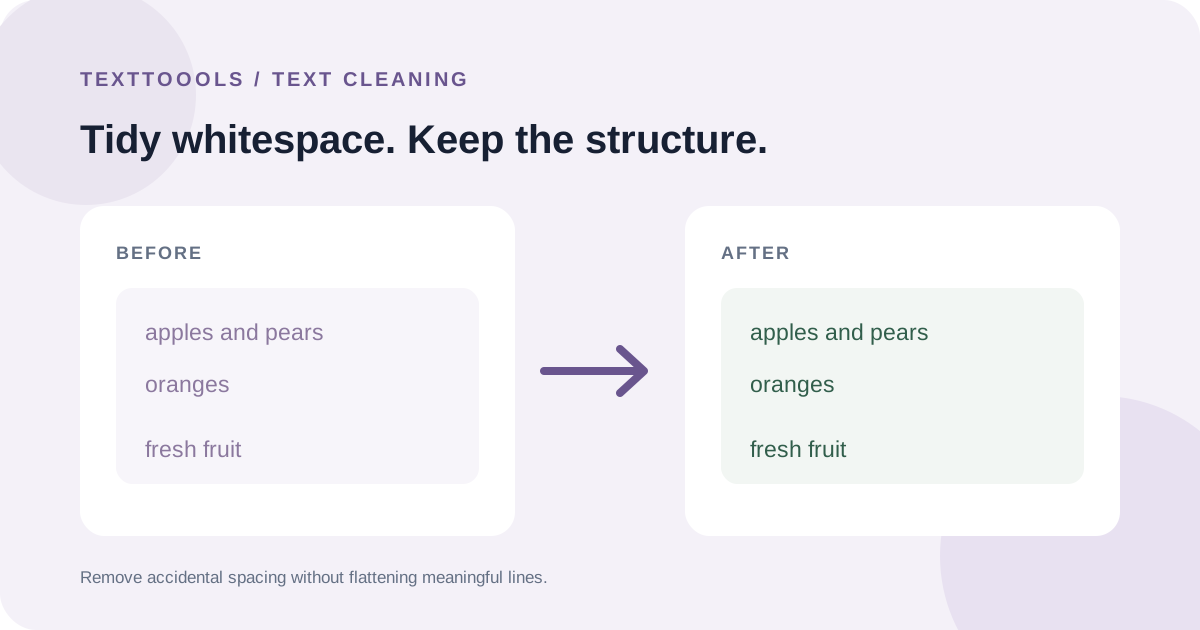
Paste the text into the Text Cleaner and review the preview. Its options trim spaces at the start and end of lines, collapse repeated horizontal spaces, and reduce long runs of blank lines.
Preserve meaningful breaks
Line breaks can carry meaning: they separate list items, addresses, headings, and paragraphs. Avoid turning every line break into a space unless you specifically want one continuous paragraph.
Change one cleanup option at a time and inspect the result. If the source used blank lines to distinguish sections, keep those breaks rather than removing all empty lines.
Review before using the cleaned text
Compare the cleaned output with the source, especially around numbered lists, code, tables, and poetry. Automatic whitespace cleanup cannot know which spacing was intentional.
The Text Cleaner runs in your browser. Copy the result when it looks right, and keep your original if the exact formatting matters.